Create a minimalist “site-maintenance” page via the .htaccess file. Only allow access to specific/multiple IP addresses, everyone else is redirected to a temporary maintenance page. Sends a 503 “Service Temporarily Unavailable” meaning that is unable to handle the request due to the server being overloaded or down for maintenance.
What’s Required?
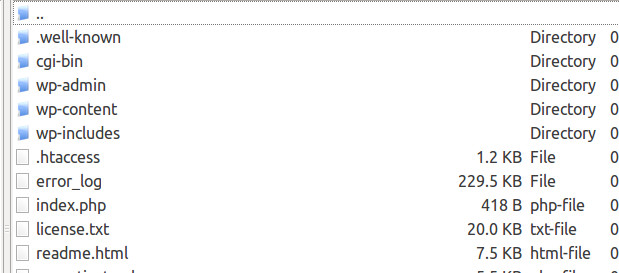
- Obtain your IP Address
- Create a .htaccess file or edit the one located on your Apache server
Display a Custom Message in Plain-Text
<IfModule mod_rewrite.c>
RewriteEngine On
RewriteCond %{REMOTE_ADDR} !^0\.0\.0\.0
RewriteRule .* - [R=503,L]
</IfModule>
# Your custom message in plain-text
ErrorDocument 503 "Maintenance mode: update in progress, please check again soon."
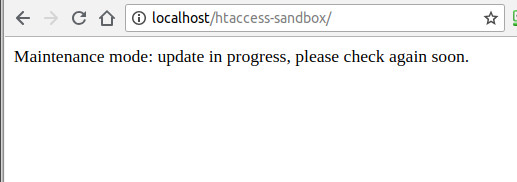
Replace the zeroes inside [!^0\.0\.0\.0] with your IP Address.
Display a Custom maintenance.html Page
<IfModule mod_rewrite.c>
RewriteEngine On
RewriteCond %{REMOTE_ADDR} !^0\.0\.0\.0
RewriteCond %{REQUEST_URI} !/maintenance [NC]
RewriteRule .* - [R=503,L]
</IfModule>
# File path to custom page
ErrorDocument 503 /maintenance.html
Replace the zeroes inside [!^0\.0\.0\.0] with your IP Address. The forward slash (/) in front of maintenance.html is required.
Sources
Technique taken from the book “.htaccess made easy” by Jeff Starr